Turn one thought into a Track you can act on.
PIT shapes the input into Steps and Tasks. Pulse shows what matters now; Spread shows the same Track over time.
- Preview without signing up
- Review before saving
- Export as JSON
Pulse
Today
PIT
03
Pulse
05
Spread
84%
Track
Season Track
3 Steps · 5 Tasks · 2 dates
PIT
Thoughts and notes
Spread
A Track keeps one thought, its Steps, Tasks, notes, dates, and budget together.
01
PIT · Input
02
Track · Structure
03
Pulse · Now
04
Spread · Time

Score OS
Café · Planning sketch

Score OS
Coast · Digital nomad

Score OS
Studio · Campaign

Score OS
Bookshop · Pop-up prep
Wherever work happens
From the moment an idea lands to the next move.
Sketch an idea at a café, plan the next move beside the sea, collaborate in the studio, or prepare a late-night pop-up. However the place and posture of work change, the context stays connected in one Track.
Capture the thought in PIT, see what matters now in Pulse, and keep the long view in Spread. Buttercycle keeps the flow intact when the place you work changes.
How it works
Enter it once. See it in the view you need.
Save the PIT draft as a Track. Pulse brings forward what needs attention now, while Spread keeps the longer timeline.
Step 02
Track — Structure
Track
Track — Structure
03
04
PIT
Add one line. Get the structure the work needs.
PIT reads beyond Steps and next Tasks to surface goals, timing, budget, and risk. Missing conditions stay as questions for you to review before anything is saved.
PIT
Rough thoughts are welcome. Try your own input right here.
Analyzed Track draft
PIT found both the execution structure and the missing conditions in the launch idea.
Season launch operating plan
Keep the idea, source material, and decisions in one execution flow.
Confirm the success criteria
Review who it is for, what ships, and when it needs to go live.
Brief → make → review → release
Connect each phase so a delay reveals its downstream impact.
Name the first reviewer and scope
Surface one person, input, and decision you can confirm today.
Work backward from release
Sequence brief, production, and review deadlines without gaps.
Budget ceiling needs confirmation
No amount was provided, so PIT keeps it as a condition to verify.
Plan for approval delay
Confirm the final approver and a fallback date if review slips.
Spread
From the next deadline to the five-year plan.
Move between 3-month, 1-year, and 5-year ranges to compare each Track's start, deadline, and next Task.
Launch
Writing
Health
Archive
Preview before signing up
See the real screens before adding your data.
Explore Pulse, Track detail, and Spread with connected sample data in read-only mode. No account required.
Pulse
Track detail
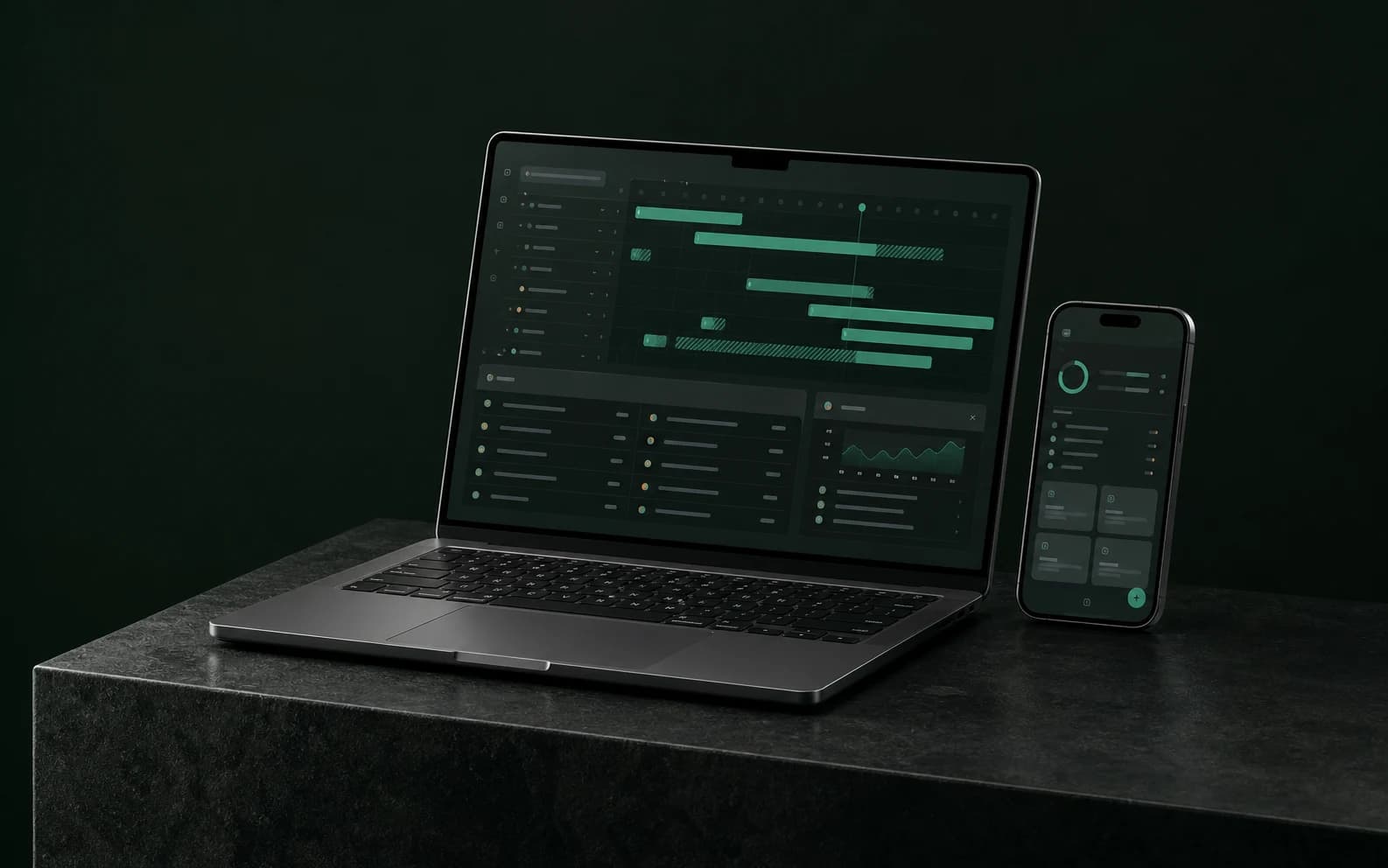
Pulse shows what needs attention now.
Track detail manages Steps, Tasks, notes, dates, and budget.
Spread compares the same Track across time.
Real-world scenarios
One complex piece of work, connected end to end.
This is more than a checklist. See how approvals, deadlines, budget, and places that affect one another move together inside one Track.
The starting note dropped into PIT
Brand launches Sep 30. 50% deposit, two revision rounds, and a studio shoot in Seongsu.
PITTrackThis is more than a logo job. Stakeholder approval, a studio booking, contractor costs, brand-guide delivery, and the final invoice all affect one another.
Lock scope and approval owners
Confirm revision limits, decision makers, and the deposit before production starts.
Run concepts and shoot prep in parallel
While concepts are reviewed, connect the studio, photographer, props, and dates.
Deliver files, guide, and final invoice
Finish pre-launch QA, check every deliverable, and collect the balance.
TRACK
Next decisionApprove BOrbit Coffee brand launch
5 steps · 18 tasks · 7 linked items
Contract
$9,000
Launch
Sep 30
Location
Seongsu studio
FAQ
Before you start
Is Buttercycle free?
Buttercycle is currently in free beta. The features available in the beta can be used at no cost.
Can I see the product before signing up?
Yes. You can explore a read-only preview with connected sample data without an account.
What is a Track?
A Track is one working unit that keeps a thought with its Steps, Tasks, notes, dates, locations, and budget.
When do I need an account?
Sign in when you want to save your own Tracks, tasks, dates, locations, and budgets.
Can I export my data?
Yes. Settings can export your Tracks, Steps, Tasks, notes, dates, budgets, and location links as one JSON file.
Free beta
Turn the first thought into your first Track.
Add one line, then review the draft PIT creates.